Detailed · Deep study
1Security of data transfer
When data is sent over a network it could be intercepted. Personal and business data must be kept private (only seen by those allowed) and confidential. Encryption, secure passwords and authentication help keep data safe.
2Passwords
Spyware (e.g. a keylogger) records what is typed and sends passwords to criminals. To avoid password interception, use up-to-date anti-spyware and change passwords regularly.
| Strong password | Weak password |
|---|---|
| at least 8–12 characters | short |
| mix of upper and lower case letters, numbers and symbols, e.g. Gr8!Tiger#24 | only letters or only numbers, e.g. 123456 |
| not a real word or personal information | name, date of birth, pet's name, "password" |
| different for each account | reused on many accounts |
3Other authentication methods
| Method | How it works | Advantages | Disadvantages |
|---|---|---|---|
| zero login | the device recognises the user automatically from biometrics and behaviour (how they type, walk, hold the phone) | no passwords to remember; quick | privacy concerns; user may not know they are being tracked; hard to log out |
| biometric methods | fingerprint, face, iris, retina or voice recognition compared with a stored record | unique to the user; cannot be forgotten or easily shared | expensive; can fail (injury, lighting); biometric data cannot be changed if stolen |
| magnetic stripes | a card with data in a magnetic stripe is swiped to enter a building or log in | cheap; quick | easily copied; damaged by magnets; card can be lost or stolen |
| smart cards | a card with an embedded chip (often contactless) holding the user's data; may need a PIN | more secure than a stripe; can hold more data | can be lost or stolen; contactless cards can be read by criminals |
| physical tokens | a small device that generates a one-time code (sometimes after the user inserts a bank card and PIN) | code changes every time, so stolen codes are useless | the token can be lost; extra item to carry |
| electronic tokens | an app on a phone generates or receives a one-time code (e.g. an authenticator app) | no extra device needed; secure | needs the phone to be charged and with the user |
4Anti-malware software
- Anti-malware (including anti-virus) software checks files against a database of known malware and watches for suspicious behaviour.
- If a virus is found, the file is quarantined (moved to a safe area where it cannot run) or deleted; the software must be kept up to date to recognise new viruses.
- Scan storage media (e.g. memory sticks) used to transfer data before opening files.
- Scan data and software when downloading, before it is opened or installed.
5Electronic conferencing
| Video-conferencing | Audio-conferencing | Web-conferencing | |
|---|---|---|---|
| what | live sound and video between people at different sites | sound only, using phones or VoIP | meetings held over the internet using a browser or app: video, chat, screen sharing, shared whiteboards, polls |
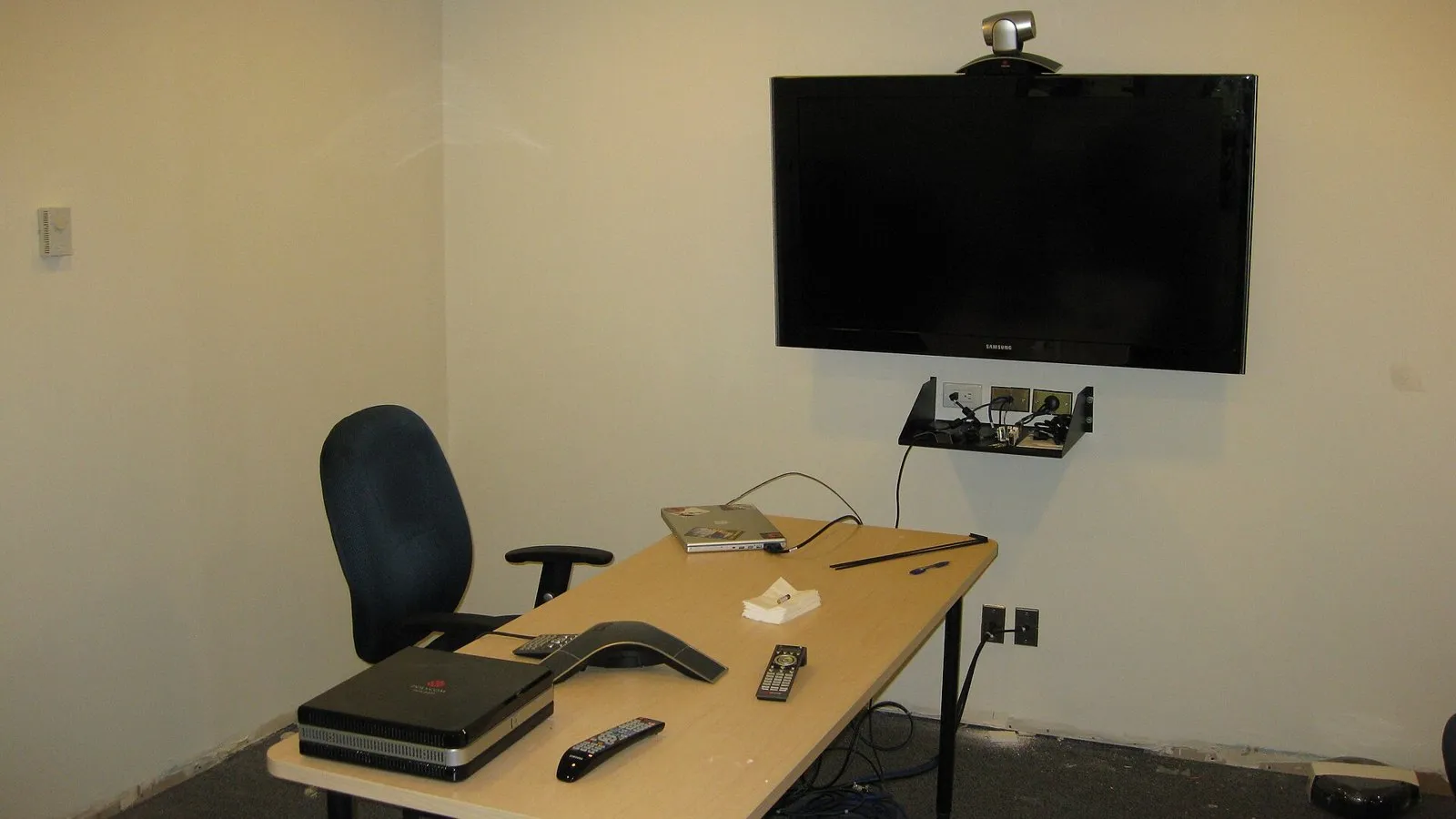
| hardware | webcams/video cameras, microphones, speakers, large monitors or projectors | telephone or computer with microphone and speakers/headset | computer, tablet or phone with webcam, microphone and speakers |
| software | video-conferencing software; compression/decompression (codec) software; echo cancellation | conference call service or VoIP software | web-conferencing app or browser plug-in |
| network | fast broadband internet | telephone network or internet | internet connection |
| advantages | no travel costs or time; can see body language; meetings at short notice | cheap; simple; can join from anywhere with a phone | can share documents and screens; recorded; many participants |
| disadvantages | time zones; lag and poor picture with slow connections; expensive equipment | no visual contact; hard to know who is speaking | depends on a good connection; security of meetings |
6Exam focus
Key words: privacy; confidentiality; strong password; spyware; zero login; biometrics; smart card; token; anti-malware; quarantine; video-conferencing; audio-conferencing; web-conferencing.
Quick self-check
Answer in your head first, then reveal.
Any two: at least 8 characters; mix of upper/lower case, numbers and symbols; not a dictionary word/personal information (2).
Scans files for known viruses (1); quarantines/deletes infected files (1); must be kept up to date (1).
Any three: webcam/video camera; microphone; speakers/headset; monitor/large screen (3).
Expensive / can fail, e.g. if finger is injured / biometric data cannot be changed if stolen (1).