Detailed · Deep study
1Devices and media
| Storage | Characteristics and uses | Advantages | Disadvantages |
|---|---|---|---|
| fixed magnetic hard disk drive (HDD) | platters coated in magnetic material spin; read/write heads; inside computers and servers – storing the OS, software and files | large capacity; low cost per GB; fast enough for most uses | moving parts can fail or be damaged if knocked; noisy; uses more power than SSD |
| portable magnetic hard drive | an HDD in a case connected by USB; backups and transferring large files | large capacity; portable | easily damaged if dropped; can be lost or stolen |
| magnetic tape drive | data stored on a long reel of magnetic tape, read in order (serial access); backups of servers, archives | very large capacity; very low cost per GB; robust for long-term archives | very slow to find a file (serial access); needs a special drive |
| CD / DVD / Blu-ray (optical) | a laser burns and reads pits and lands on a spiral track; CDs for music, DVDs for films, Blu-ray for HD films and games; R = write once, RW = rewritable, ROM = read only | cheap; portable; Blu-ray stores HD video | small capacity compared with HDD/SSD; scratched easily; slow; drives are now rare |
| solid-state drive (SSD) | flash memory with no moving parts; in laptops, tablets and phones | very fast access; robust; silent; low power – longer battery life; light | more expensive per GB; limited number of write cycles |
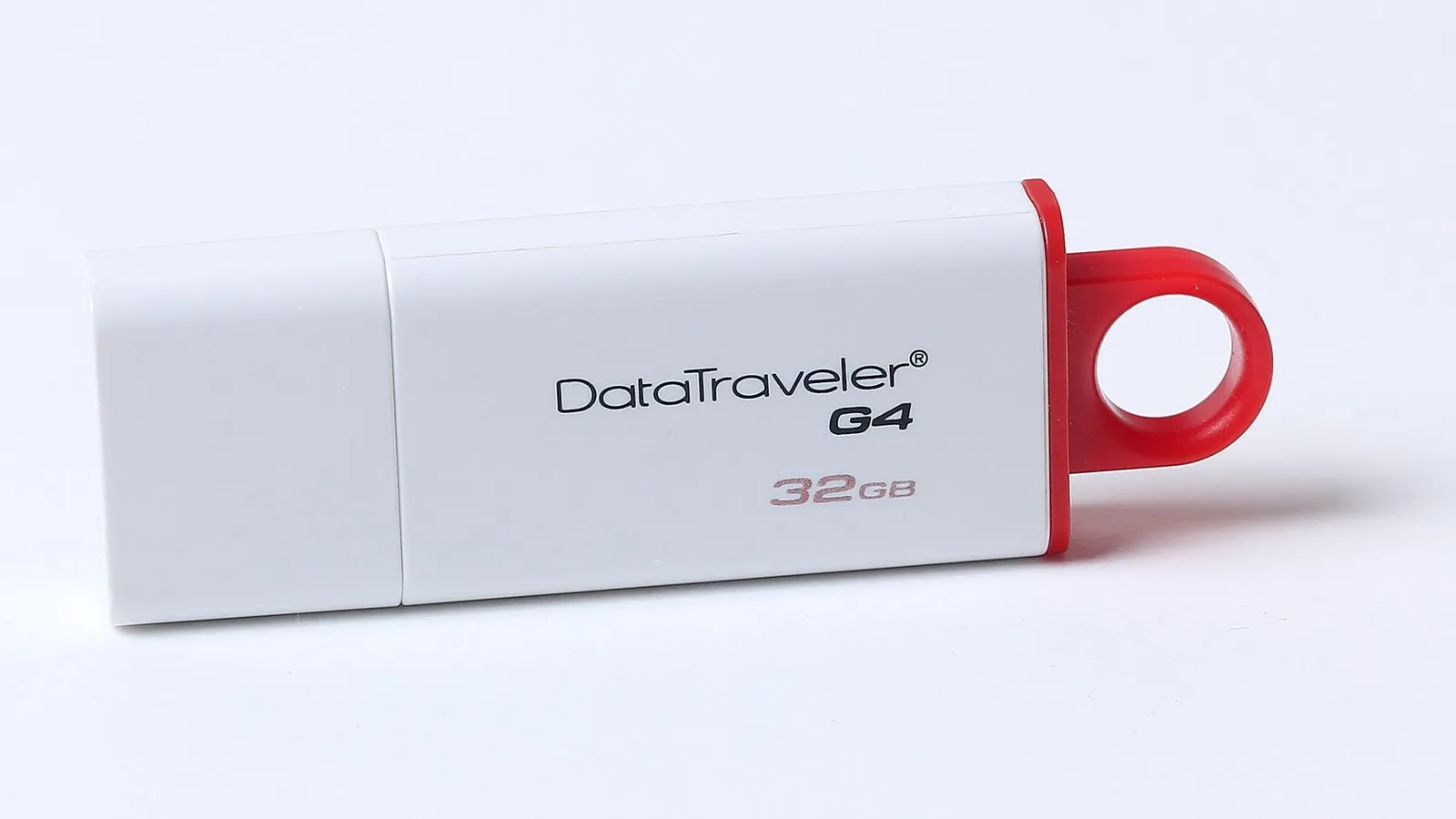
| pen drive / flash drive (memory stick) | small flash storage plugged into a USB port; moving files between computers | very portable; robust; plug and play | easily lost; can spread viruses; limited capacity compared with HDD |
| memory cards (SD, xD, CFast) | small flash cards in cameras, phones, drones and games consoles; CFast is used in professional cameras for fast video | very small and light; robust; removable | easily lost; can be damaged by bending; different formats need different readers |
| Magnetic | Optical | Solid-state | |
|---|---|---|---|
| how data is stored | magnetised areas | pits and lands read by a laser | electrons trapped in flash memory cells |
| moving parts | yes | yes (disc spins) | no |
| typical capacity | very large (TB) | small (700 MB – 100 GB) | medium to large |
| speed | medium (tape slow) | slow | fastest |
2Exam focus
Key words: storage device; storage medium; magnetic; optical; solid-state; HDD; magnetic tape; serial access; CD; DVD; Blu-ray; SSD; pen drive; memory card.
Quick self-check
Answer in your head first, then reveal.
Very large capacity (1); low cost per GB (1); access speed is not important for backups (1).
Any two: faster; no moving parts/more robust; lighter; uses less power/longer battery life; silent (2).
Memory card, e.g. SD card (1).