Detailed · Deep study
1Output devices
| Device | Characteristics and uses | Advantages | Disadvantages |
|---|---|---|---|
| monitor (LCD/LED) | displays output on a screen; LED screens are thin, bright and use little power | shows output immediately; no paper needed | can cause eye strain; only one or a few people can see it |
| touch screen (as output) | displays menus and results on the same screen that takes the input; phones, ATMs, kiosks | input and output in one device; saves space | screen gets dirty; small screens on phones |
| multimedia projector | projects computer output onto a large screen; classrooms, presentations, home cinema | large image seen by many people at once | image is dim in bright rooms; noisy fan; bulbs are expensive |
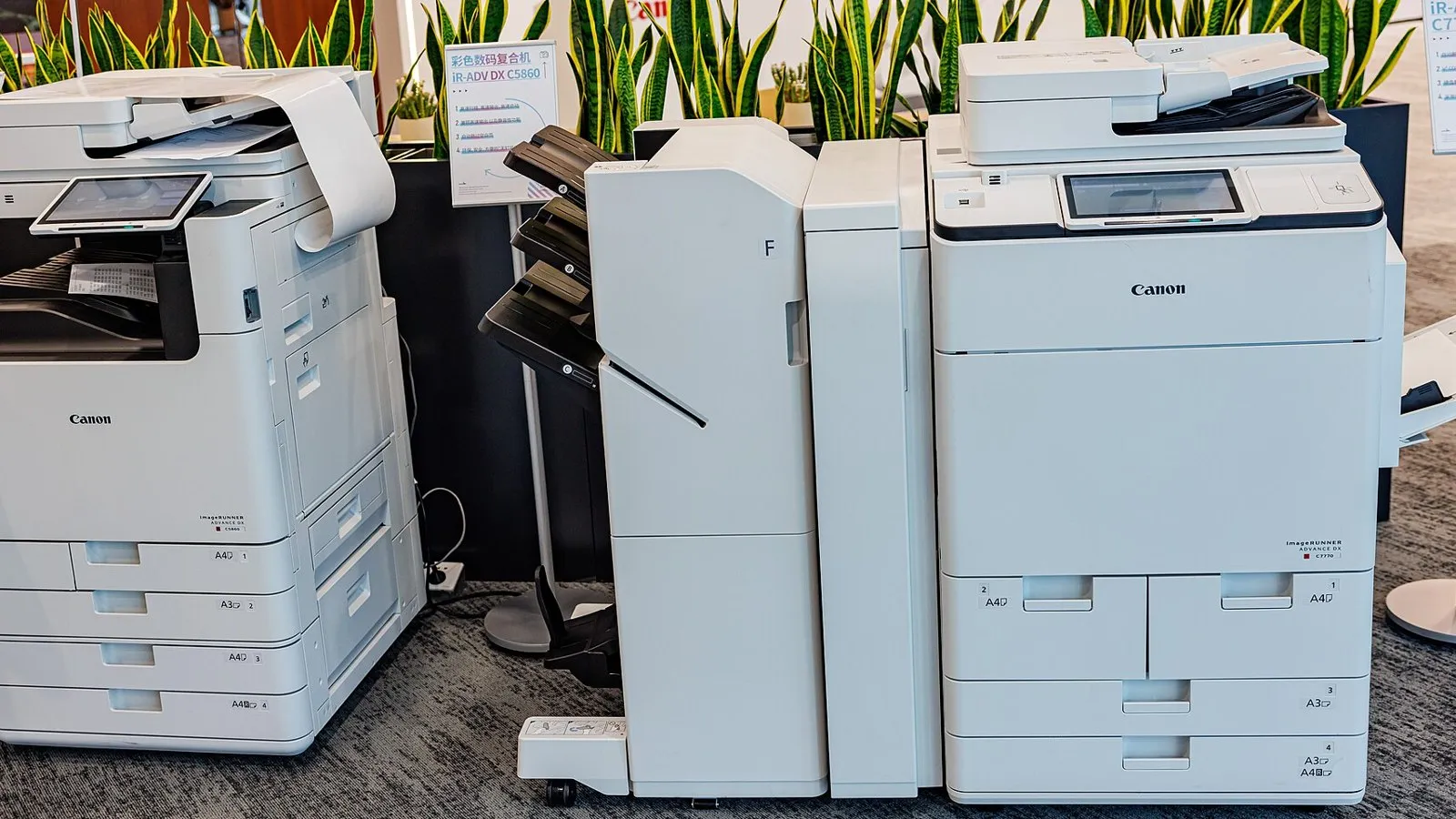
| laser printer | uses toner and static electricity on a drum; high-volume printing in offices and schools | fast; high quality; low cost per page; quiet | expensive to buy; toner can be harmful; large |
| inkjet printer | sprays tiny droplets of ink onto paper; home use, photos | cheap to buy; high-quality colour photos; small | slow for large volumes; ink cartridges are expensive; ink can smudge |
| dot matrix printer | an impact printer: pins strike an inked ribbon; multi-part forms, invoices, in dirty or damp environments | can print carbon copies (multi-part stationery); cheap to run; reliable in harsh environments | noisy; slow; poor print quality |
| plotter | draws with pens, or prints on very large paper; architectural plans, maps, CAD drawings | very large, accurate printouts | expensive; slow; large |
| 3D printer | builds a solid object layer by layer from a CAD file; prototypes, prosthetics, spare parts | makes complex, customised objects quickly; less waste | slow; expensive; limited materials; can make dangerous items (e.g. weapons) |
| speaker | converts digital sound (via a DAC and amplifier) into sound; music, alarms, voice output for blind users | everyone in the room can hear; helps visually impaired users | can disturb others; quality varies |
| actuator | a motor, valve, pump or switch that carries out a physical action under computer control; control systems | allows computers to control devices automatically | needs a control system; can fail mechanically |
| Printer | Best when… |
|---|---|
| laser | printing many pages quickly in an office |
| inkjet | printing a few high-quality colour photos at home |
| dot matrix | printing multi-part forms or in dusty, damp places |
| plotter | printing large plans and maps |
| 3D printer | making a solid prototype or customised part |
2Exam focus
Key words: monitor; touch screen; projector; laser printer; inkjet printer; dot matrix printer; plotter; 3D printer; speaker; actuator.
Quick self-check
Answer in your head first, then reveal.
Laser printer (1); fast / low cost per page for high volumes (1).
Multi-part forms/invoices / in a dirty or damp environment (1).
Carries out a physical action, e.g. a motor or valve, when it receives a signal from the computer (1+1).