Detailed · Deep study
1Routers and network devices
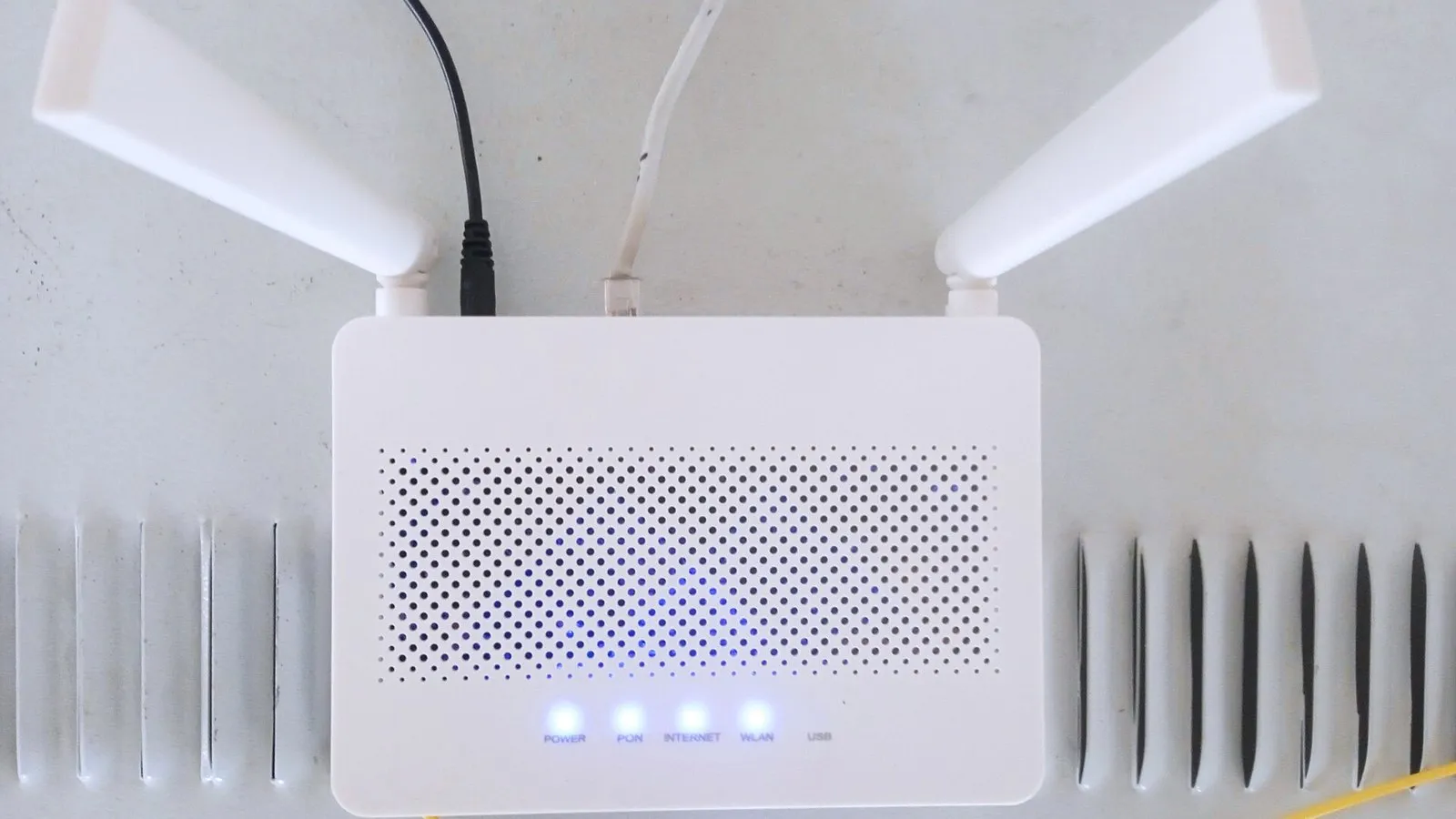
A router connects networks and devices to the internet. It stores computer addresses (IP addresses) in a routing table and routes data packets: it reads the destination address of each packet and sends it on to the correct network or device by the best route. It can also assign IP addresses to devices on the local network.
| Device | What it does |
|---|---|
| network interface card (NIC) | lets a device connect to a network; has a unique MAC address |
| hub | connects devices in a LAN; sends every data packet to all devices – the right one accepts it (more traffic, less secure) |
| switch | connects devices in a LAN; sends each packet only to the device it is meant for, using its MAC address (less traffic, more secure) |
| bridge | connects two LANs that use the same protocol, so they work as one network |
| router | connects networks and devices to the internet; stores computer addresses; routes data packets to the right destination |
2Wi-fi and Bluetooth
Connecting with wi-fi: turn on wi-fi; choose the network name (SSID); enter the password (WPA key); the device is given an IP address by the router. Connecting with Bluetooth: turn on Bluetooth on both devices; make one discoverable; select it and pair them, often confirming a code.
| Wi-fi | Bluetooth | |
|---|---|---|
| range | up to about 100 m | about 10 m |
| speed | faster | slower |
| devices | many devices at once | few devices (about 7 paired) |
| uses | connecting laptops, phones and smart devices to a network and the internet | connecting nearby devices: wireless headphones, keyboards, transferring files between phones |
| security | WPA encryption with a password | devices must be paired; shorter range is harder to intercept |
3Cloud computing
Storing, managing and processing data on remote servers that are accessed over the internet, rather than on a local computer.
Data is stored in data centres run by a provider, on many physical servers, and usually copied to several of them so it is not lost. Users manage files through an app or browser, and share them by sending a link or giving others permission to view or edit. Uses include online storage, online office software, email and backups.
| Advantages of cloud storage | Disadvantages of cloud storage |
|---|---|
| files can be accessed from any device, anywhere, with internet | needs an internet connection; slow with low bandwidth |
| easy to share and collaborate on files | security and privacy depend on the provider; data could be hacked |
| the provider backs up the data; no need to buy local hardware | ongoing subscription costs |
| storage can be increased easily | loss of control; data may be lost if the provider fails |
4Internet, intranet and extranet
| Internet | Intranet | Extranet | |
|---|---|---|---|
| access | anyone, public | only members of the organisation (login) | members plus authorised outsiders, e.g. suppliers, customers |
| content | information on any topic; not controlled | company news, policies, internal documents – reliable and controlled | selected intranet information, e.g. orders, stock levels |
| location | worldwide | usually inside one organisation, behind a firewall | accessed over the internet, with security |
Similarities: all three use the same technologies (web pages, browsers, TCP/IP protocols) and can be accessed with a browser.
5Network types
| LAN | WLAN | WAN | |
|---|---|---|---|
| meaning | local area network | wireless local area network | wide area network |
| area | one building or site | one building or site | a large area – cities, countries; the internet is the largest WAN |
| connection | cables | radio waves (wi-fi) via access points | telephone lines, fibre optics, satellites |
| other | fast and secure | flexible – users can move; easier to set up; slower and less secure than cable | slower; owned by several organisations |
6Exam focus
Key words: router; NIC; hub; switch; bridge; wi-fi; Bluetooth; cloud computing; internet; intranet; extranet; LAN; WLAN; WAN.
Quick self-check
Answer in your head first, then reveal.
A hub sends data to all devices (1); a switch sends data only to the intended device (1).
Any two: wi-fi has longer range; faster; connects more devices; Bluetooth uses pairing (2).
Advantage: access from anywhere/sharing/automatic backup (1). Disadvantage: needs internet/security risk/cost (1).
An intranet is private to members of the organisation (1); an extranet also allows access to authorised outsiders (1).