Detailed · Deep study
1Input devices
| Device | Characteristics and uses | Advantages | Disadvantages |
|---|---|---|---|
| keyboard | keys for typing text and commands into a computer; e.g. word processing, entering data | fast for entering text; familiar; reliable | slow for non-typists; can cause RSI; takes up desk space |
| numeric keypad | keys for numbers only; ATMs, chip and PIN devices, phones, mobile tills | small; fast for entering numbers | keys are small; limited to numbers; can be overlooked when entering a PIN |
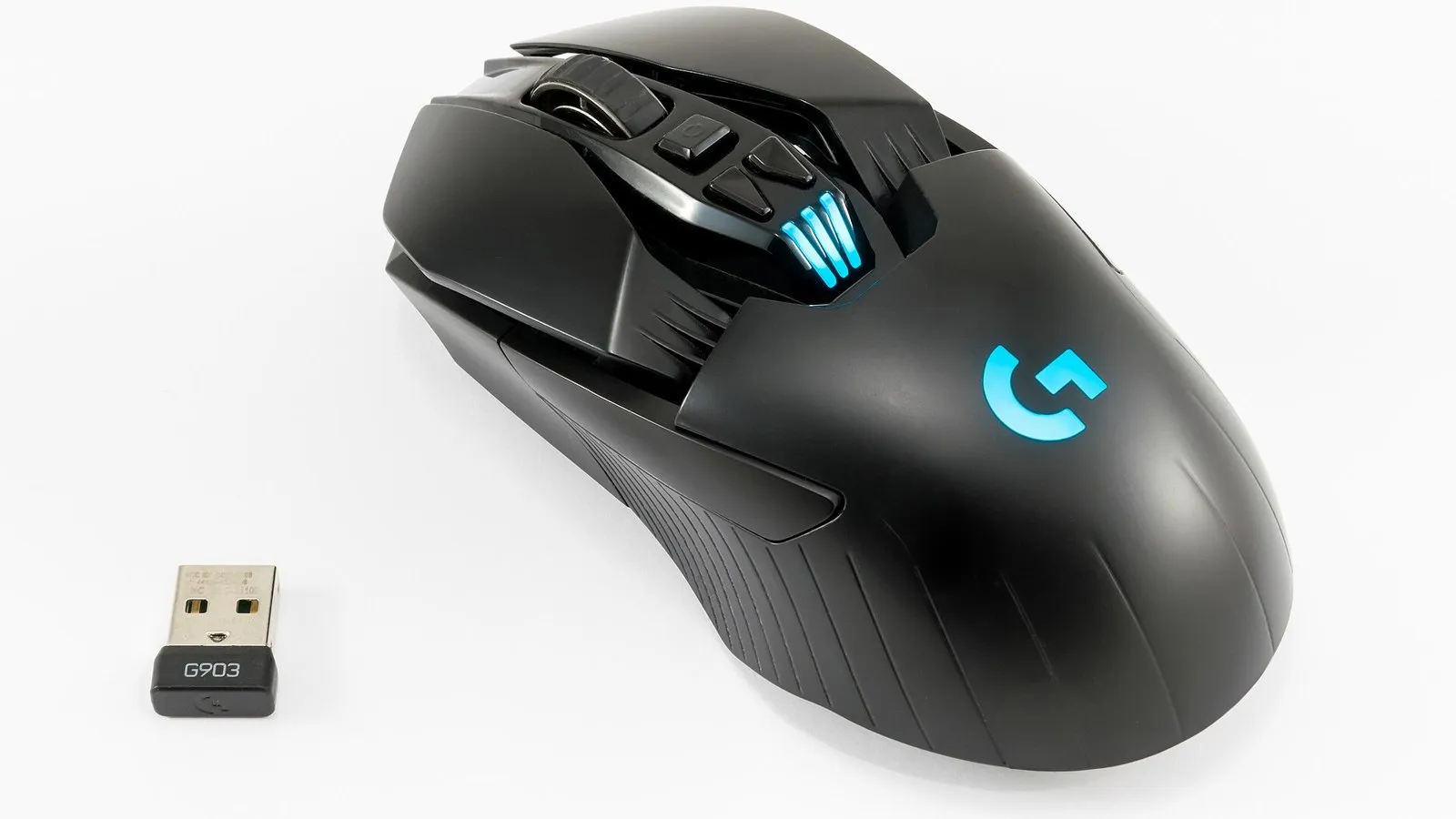
| pointing devices (mouse, touchpad, trackerball) | move a pointer on screen and select items in a GUI; a trackerball is a ball rotated by the fingers – used by people with limited movement | fast selection and navigation; a touchpad is built in to laptops; a trackerball needs little space and less wrist movement | a mouse needs a flat surface; a touchpad is awkward for precise work; can cause RSI |
| remote control | sends infra-red signals to control a device, e.g. TV, projector | operates devices from a distance | needs line of sight; easily lost; batteries run out |
| joystick / driving wheel | controls movement in games and simulators (flight, driving); a joystick can also control robots or medical equipment | easier and more realistic control than a keyboard | more expensive; limited uses; harder for precise pointing |
| touch screen (as input) | the user touches the screen to select options; phones, tablets, information kiosks, ATMs | easy to use; no separate keyboard or mouse needed | screen gets dirty; limited options per screen; can be hard to select small items |
| scanners (2D/3D) | a 2D scanner converts paper documents or photos into digital images (with OCR, text can be edited); a 3D scanner makes a digital model of a solid object | keeps a digital copy of documents; 3D models for CAD, medicine, 3D printing | image quality depends on resolution; scanned files can be large; 3D scanners are expensive |
| camera (digital camera, webcam) | captures photos or video as digital images; webcams are used for video calls | no film needed; images can be edited and shared quickly | large file sizes; webcam quality is often low |
| microphone | converts sound into an analogue electrical signal, which is converted to digital; voice recording, voice recognition, video calls | hands-free input; voice recognition is faster than typing for some users | background noise; voice recognition can make errors |
| sensors | measure physical quantities (temperature, light, pressure, moisture, pH, motion) and send data to a computer; used in monitoring and control | readings taken continuously and accurately, day and night, in dangerous places | can fail or give incorrect readings; data usually needs converting (ADC) |
| light pen | a pen-shaped device used to draw or select directly on a screen; CAD, older point-of-sale systems | more accurate than a finger; no surface needed | can be tiring to hold up to the screen; less common now |
2Exam focus
Key words: keyboard; numeric keypad; mouse; touchpad; trackerball; remote control; joystick; touch screen; scanner; camera; microphone; sensor; light pen.
Quick self-check
Answer in your head first, then reveal.
ATM / chip and PIN device / phone (1).
Any two: easy to use; no separate keyboard/mouse to be damaged or stolen; menus can be selected quickly (2).
e.g. a temperature sensor sends readings to a computer controlling a greenhouse heater (1+1).
Background noise / accents cause errors (1).