Detailed · Deep study
1Representing text
Text is converted to binary using a character set – an agreed list that gives every character a unique binary code. When you press a key, the code for that character is stored.
| ASCII | Unicode | |
|---|---|---|
| bits per character | 7 (extended ASCII: 8) | more – up to 4 bytes (32 bits) |
| characters | 128 (extended: 256) | over a million possible |
| covers | English letters, digits, punctuation, control codes | almost every language, symbols and emojis |
| file size | smaller | larger for the same text |
In ASCII, codes are in order: "A" is 65, "B" is 66, …; "a" is 97. This lets programs sort text and convert between upper and lower case.
2Representing sound
Sound is an analogue wave. To store it, the amplitude of the wave is measured (sampled) at regular intervals, and each measurement is stored as a binary number.
The number of samples taken in a second (measured in hertz).
The number of bits used to store each sample.
A higher sample rate captures more detail of how the wave changes; a higher sample resolution allows more amplitude levels, so each sample is closer to the true value. Both make the recording more accurate but the file larger.
3Representing images
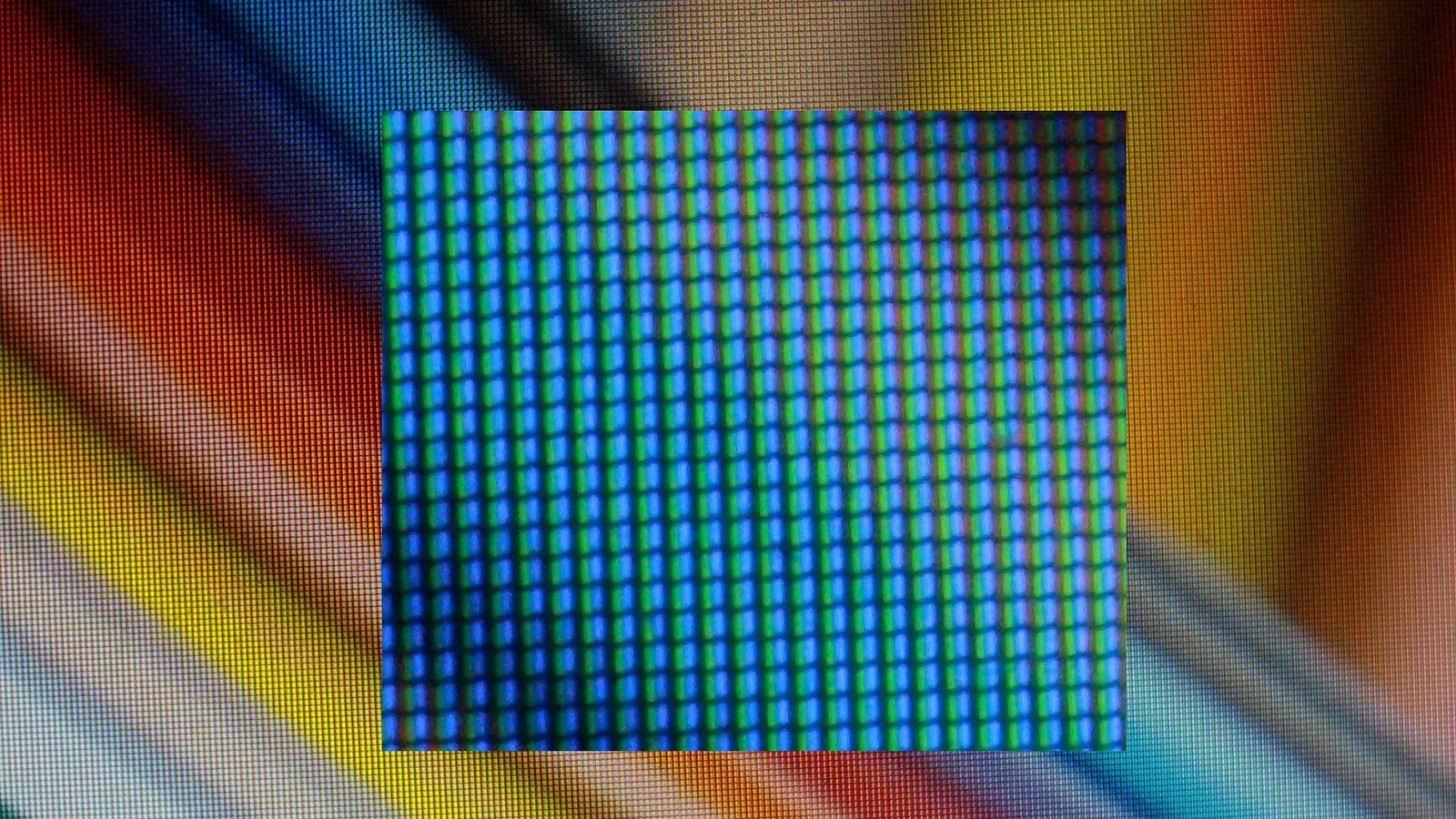
A bitmap image is made of pixels (picture elements). Each pixel's colour is stored as a binary code.
The number of pixels in the image (width × height).
The number of bits used to represent each colour (each pixel).
| Colour depth | Colours available |
|---|---|
| 1 bit | |
| 8 bits | |
| 24 bits | million |
Increasing the resolution or the colour depth increases the quality of the image and also its file size.
4Exam focus
Key words: character set; ASCII; Unicode; sample; sample rate; sample resolution; pixel; resolution; colour depth.
Quick self-check
Answer in your head first, then reveal.
Unicode has a much larger range of characters (1); includes characters from different languages / emojis (1).
The number of bits used per sample (1).
More colours / better quality (1); larger file size (1).
16 (1).