Detailed · Deep study
1The central processing unit
The part of a computer that processes instructions and data, by carrying out the fetch–decode–execute cycle.
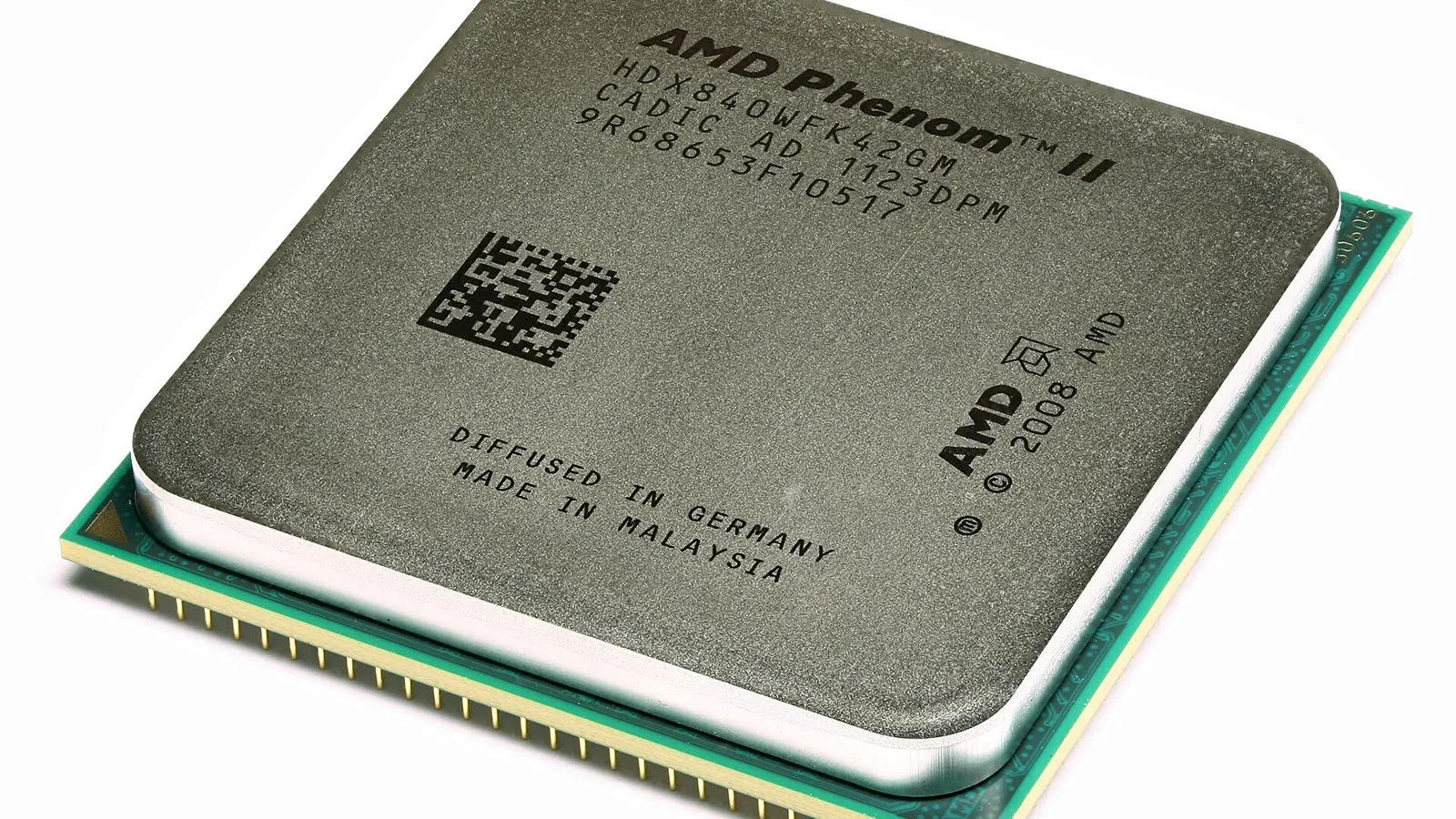
An integrated circuit on a single chip that carries out the functions of a CPU.
In a Von Neumann architecture, the program instructions and the data are both stored in the same memory (RAM), and the CPU fetches them one at a time.
| Component | Purpose |
|---|---|
| arithmetic logic unit (ALU) | carries out calculations (+, −) and logical operations (AND, OR, comparisons) |
| control unit (CU) | sends control signals to manage the FDE cycle; decodes instructions |
| program counter (PC) | holds the address of the next instruction to be fetched |
| memory address register (MAR) | holds the address of the memory location about to be read from or written to |
| memory data register (MDR) | holds the data or instruction just read from memory, or about to be written to it |
| current instruction register (CIR) | holds the instruction currently being decoded and executed |
| accumulator (ACC) | holds the results of calculations from the ALU |
| address bus | carries addresses from the CPU to memory (one way) |
| data bus | carries data and instructions between the CPU and memory (two way) |
| control bus | carries control signals, e.g. read/write and clock signals (two way) |
2The fetch–decode–execute cycle
- The address held in the PC is copied into the MAR (via the address bus).
- The CU sends a read signal along the control bus; the instruction stored at that address is copied into the MDR (via the data bus).
- The PC is incremented by 1, so it holds the address of the next instruction.
- The instruction in the MDR is copied into the CIR.
- The CU decodes the instruction in the CIR.
- The instruction is executed: e.g. the ALU carries out a calculation and the result is stored in the ACC. The cycle then repeats.
3Cores, cache and clock
| Factor | What it is | Effect on performance |
|---|---|---|
| core | a processing unit within the CPU; each core can carry out its own FDE cycle | more cores → more instructions processed at the same time (but software must be able to use them, and cores must communicate, so doubling cores does not double speed) |
| cache | small, very fast memory inside or near the CPU, holding frequently used instructions and data | larger cache → data found in cache more often, so fewer slower trips to RAM (but cache is expensive) |
| clock | a clock sends regular pulses that synchronise the CPU; clock speed is the number of cycles per second, e.g. 3.5 GHz | faster clock → more FDE cycles per second (but more heat; overclocking can make the CPU unstable) |
4Instruction sets
An instruction set is the list of all the commands (machine code instructions) that a particular CPU can process, such as add, load, store, compare and jump. Each has an opcode that tells the CPU what to do, and may have an operand (the data or address to use).
Programs must be translated into the instruction set of the CPU they will run on. Different families of CPU (e.g. x86 in many laptops, ARM in most phones) have different instruction sets, so machine code for one will not run on the other.
See Topic 4 · SoftwareTranslators convert high-level code into machine code – see 4.2.5Embedded systems
A computer system, built around a microprocessor or microcontroller, that is part of a larger device and has a dedicated function.
| Characteristics | Benefits | Drawbacks |
|---|---|---|
| dedicated to one task | small, so fits inside the device | difficult to upgrade; often must be replaced |
| small and low power | cheap to mass-produce | limited user interface |
| programs held in firmware (ROM) | reliable, starts instantly | if connected to the internet, can be hacked |
| often real time, controlled by sensors | uses little power | troubleshooting needs specialists |
Examples: washing machines, microwave ovens, central heating systems, car engine management and anti-lock brakes, security alarms, traffic lights, vending machines, digital cameras, fitness trackers.
6Exam focus
Key words: CPU; microprocessor; Von Neumann; ALU; CU; PC; MAR; MDR; CIR; ACC; address bus; data bus; control bus; FDE cycle; core; cache; clock speed; instruction set; embedded system.
Quick self-check
Answer in your head first, then reveal.
Holds the address of the memory location to be read from or written to (1).
Address in PC copied to MAR (1); via address bus (1); instruction at that address copied to MDR via data bus (1); PC incremented (1); MDR copied to CIR (1).
More frequently used data/instructions can be stored in cache (1); cache is faster than RAM, so less time waiting for data (1).
The address bus (1).
Any two: dedicated function; part of a larger device; small/low power; firmware; real time (2).